OFFICE COMPUTERS
Home Office PC
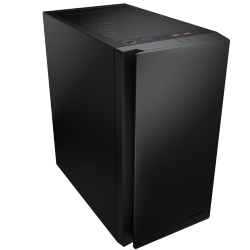
Intel Core Ultra 7 265, Quiet and Compact
- CPU
- Core Ultra 7 265
- GPU
- Intel integrated graphics
- RAM
- 16GB DDR5
- SSD
- 1TB NVMe
$2,249 $2,999
BLACK FRIDAY EARLY ACCESS
25% off every PCTaken off the full price. Ends Cyber Monday.
ENDS IN
Shop early access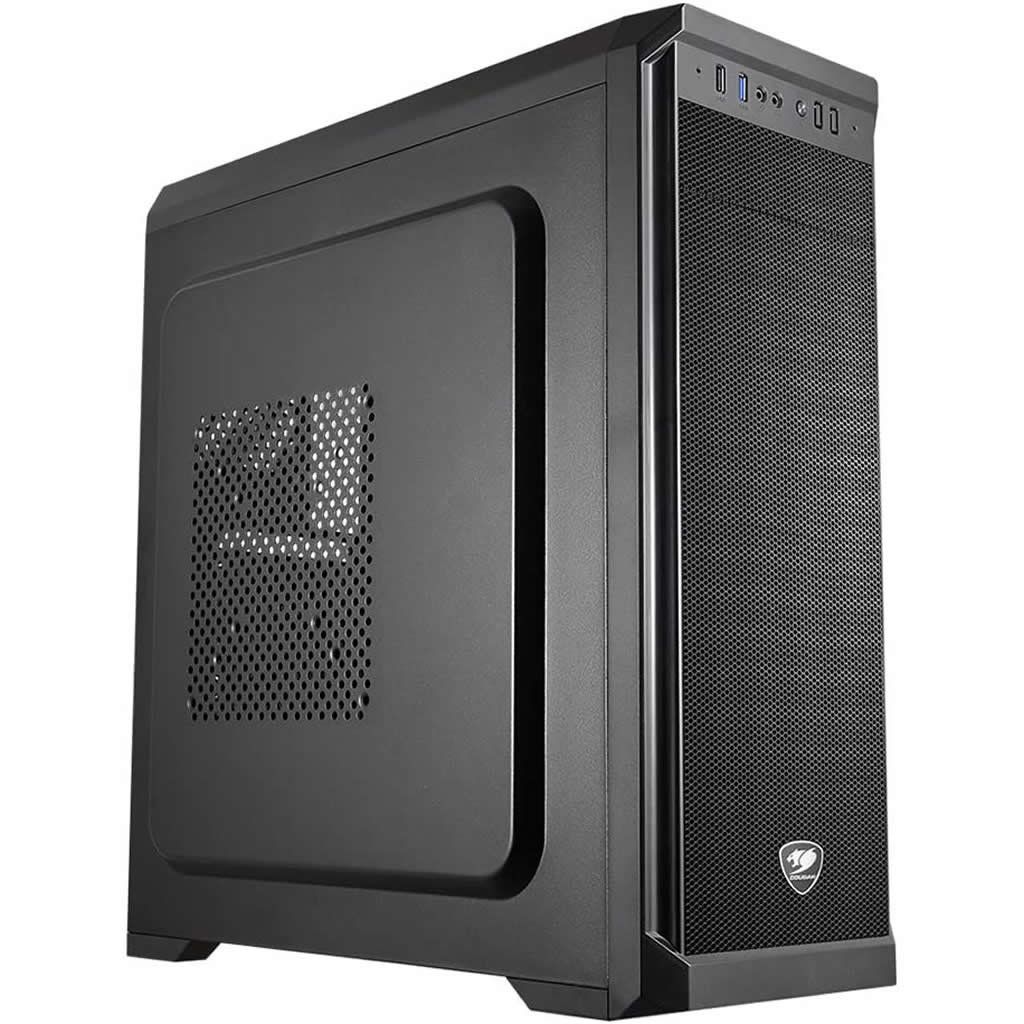
BLACK FRIDAY EARLY ACCESSYou save $625 · ends Mon 30 Nov, 11:59pm
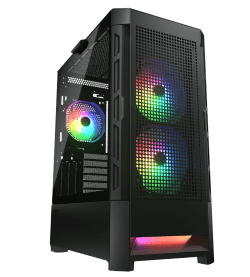
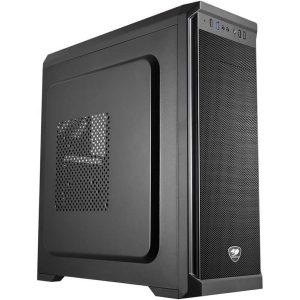
An affordable CAD PC with professional graphics: Intel Core i5-14400F, 4GB NVIDIA RTX A400, 16GB dual channel RAM, a 1TB NVMe SSD and Wi-Fi in a Corsair professional case. Ideal for AutoCAD and 2D or light 3D design.
Exactly what goes into this build.
Every component, and why we chose it. Tap a part for the details.
 CPU
14th Gen Intel Core i5-14400F, up to 4.7GHz
 SSD
1TB NVMe M.2 SSD
 OPERATING SYSTEM
Microsoft Windows 11 Home
 RAM
16GB DDR4 dual channel RAM with heatsink
 WIFI
Wireless network card (Wi-Fi)
This CAD PC gives you professional NVIDIA graphics at a price that suits students, freelancers and small offices. It pairs a 14th Gen Intel Core i5-14400F with a 4GB NVIDIA RTX A400, 16GB of dual channel RAM and a 1TB NVMe SSD, with Wi-Fi included, all in a tidy Corsair professional case.
It is ideal for AutoCAD, 2D drafting and light 3D modelling, and it is built and tested in Melbourne for $2,500.
A general office computer can open CAD software, but it often struggles once drawings get bigger: slow panning and zooming, laggy viewports and long regeneration times. A proper CAD PC fixes that with a fast processor, a graphics card designed for design software and quick storage. This one keeps your work flowing without the cost of a high-end workstation.
The i5-14400F has 10 cores and 16 threads and boosts up to 4.7GHz. Because most CAD tasks rely on fast single-core speed, it feels quick in day-to-day drafting and modelling, and the extra cores help with plotting, exports and multitasking.
Most budget systems use gaming graphics or no dedicated card at all. This cheap CAD PC uses the NVIDIA RTX A400, a compact professional card built for design work. It runs NVIDIA's enterprise drivers, which are tested for stability with major CAD applications, and it supports up to four displays. Its RTX cores also bring hardware ray tracing and AI acceleration to supported applications.
If you work with larger 3D models or want smoother rendering previews, you can upgrade to the 8GB NVIDIA RTX A1000, which has double the video memory and more performance.
AutoCAD is mostly single-threaded, so a fast processor and a stable graphics driver matter more than lots of cores. That makes this a very sensible AutoCAD PC. It handles 2D drawings, layouts, xrefs and moderately sized 3D models comfortably, and 16GB of dual channel RAM keeps AutoCAD, a PDF viewer, email and a browser running together without slowdowns.
It also works well with AutoCAD LT, DraftSight, BricsCAD, SketchUp, Fusion and Vectorworks for 2D and lighter 3D work.
If you are studying architecture, engineering or drafting, or setting up a small office, this is a practical PC for CAD that will not stretch the budget. The 1TB NVMe M.2 SSD loads software and drawings quickly and gives plenty of room for projects. Wi-Fi is included through a wireless network card, along with Gigabit Ethernet for the office network.
The ASUS motherboard provides four USB 2.0 ports and two USB 3.0 ports at the back, plus one of each at the front, and up to 7.1 channel audio. The Corsair professional midi tower case has front USB and audio ports, and a 500W 80+ power supply keeps everything running efficiently. An air cooler keeps the processor cool, with a high performance air cooler available if you want quieter running under load. Windows 11 Home is installed.
A comfortable setup makes a big difference over a full day of drafting. The RTX A400 can drive up to four displays, so many users run two monitors: one for the drawing and one for references, specifications, email and Teams. If you have a 4K monitor, set Windows display scaling to around 150% so menus and text stay readable while you still get extra detail in the drawing area.
A 3D mouse such as a SpaceMouse is a worthwhile add-on if you work in 3D, and a good keyboard with a numeric pad speeds up coordinate entry. If you share files on an office network or NAS, plug in the Ethernet cable for faster, more reliable transfers than Wi-Fi.
Keep NVIDIA's professional driver up to date through the NVIDIA app, and install software updates for AutoCAD and other tools when they are released, as they often include performance and stability fixes. Save projects to the SSD for speed, and back them up regularly to an external drive or cloud storage. A quick dust clean of the case filters every few months keeps temperatures and fan noise down.
This CAD PC is ideal for 2D drafting and light 3D. If you work in SolidWorks, Revit or Inventor with large assemblies, run simulations, or render often, our CAD workstation offers a faster processor, 32GB of DDR5 and RTX PRO Blackwell graphics. You can see every option in our CAD range, or email us your spec and tell us which software you use.
For the full graphics card specification, see NVIDIA's RTX A400 page.
We assemble every CAD PC by hand in our Melbourne workshop, install Windows 11 Home and NVIDIA's professional drivers, and stress test it before it ships. It arrives ready to install your design software and start working. If you need help with setup, our team is only an email away.
Yes. AutoCAD relies mostly on fast single-core speed and stable graphics drivers, and the i5-14400F with the NVIDIA RTX A400 handles 2D work and moderate 3D models smoothly.
The RTX A400 is a professional card with NVIDIA enterprise drivers that are tested for stability in CAD software. It is compact, efficient and supports up to four monitors.
Yes. The 8GB NVIDIA RTX A1000 is available as an upgrade for larger 3D models and faster rendering previews.
It can run them for learning and small projects. For large assemblies and professional BIM work, we recommend our CAD workstation with more memory and RTX PRO graphics.
The NVIDIA RTX A400 supports up to four displays, which is plenty for a dual or triple monitor drafting setup.
Yes. The motherboard supports more memory, so you can move to 32GB later if your drawings and models grow. Email us your spec if you would like it fitted before the PC ships.
Yes. A wireless network card is included, along with Gigabit Ethernet.
Each PC is built to order in Melbourne and tested before dispatch. Once it ships, delivery usually takes 1–3 working days Australia-wide.
06 // DELIVERY & WARRANTY
OFFICE COMPUTERS
Intel Core Ultra 7 265, Quiet and Compact
$2,249 $2,999
GAMING COMPUTERS
Intel i7-14700F + RTX 5050
$1,949 $2,599
GAMING COMPUTERS
RTX 5060 + i5-14400F
$2,249 $2,999
GAMING COMPUTERS
i5-14400F + RTX 5050
$1,349 $1,799