Is 16GB RAM enough? For most people in 2026, yes. It runs Windows comfortably, handles everyday multitasking and plays the large majority of games well. But “enough” is starting to feel tight in some situations, and with memory prices where they are, it’s worth knowing which side of the line you fall on before you buy.
Short answer: 16GB is enough for gaming at 1080p and 1440p in most titles. Choose 32GB if you stream, keep lots of apps open while you play, use mods, or play big simulation games. 8GB is no longer enough for a gaming PC.
Is 16GB RAM enough for gaming?
In most games, comfortably. A typical modern game uses somewhere between 8GB and 12GB of system memory on its own. Windows 11 takes another 3GB or so, and the usual background apps, like Discord, a game launcher and a browser, add a few more. That puts a typical gaming session at 12GB to 15GB, which is why 16GB still works well.
The catch is headroom. Some of the biggest recent releases now list 32GB in their recommended specs for high settings, and open-world games with large maps can push past 16GB on their own. When memory fills up, Windows moves data to the much slower SSD, which shows up as stutter, hitching when you turn quickly, and longer loading.
So is 16GB RAM enough for gaming today? Yes, for most players. Is it enough for every game, at every setting, with everything else open? Not quite anymore.
When 32GB makes a real difference
- Streaming while you play. OBS, chat, alerts and a browser on top of a game can easily take you past 16GB.
- Lots of browser tabs. Modern browsers are memory-hungry, and 30 tabs alongside a game adds up fast.
- Mods. Heavily modded games, especially ones with high-resolution texture packs, use far more memory than the base game.
- Simulators and strategy games. Flight sims, city builders and grand strategy titles track huge amounts of data.
- Creative work. Photo editing with many layers, video editing and 3D work all benefit from 32GB or more.
The improvement from 32GB isn’t usually higher average frame rates. It’s fewer stutters and smoother switching between apps. If you’ve noticed hitching that doesn’t line up with your graphics card being maxed out, memory is a likely suspect.
Game developers also tend to target the hardware most players own. As 32GB becomes more common, newer games will gradually lean on it more.
Is 16GB RAM enough for gaming at 4K?
Resolution mostly affects your graphics card’s memory, not system RAM. At 4K, textures and frame data live in VRAM, so the system memory needed is similar to 1440p. Where 4K players do tend to use more RAM is in the kind of games they play: big, detailed open worlds and simulators at high settings. If you’ve invested in a 4K screen and a high-end graphics card, 32GB keeps the rest of the system from becoming the bottleneck, and it’s the amount we pair with our 4K builds.
Signs you’ve outgrown 16GB
- Games stutter when you alt-tab back from a browser.
- Task Manager shows memory above 90 per cent during play.
- Your SSD is busy constantly while gaming, a sign Windows is leaning on the page file.
- Apps reload tabs or documents when you switch back to them.
If two or more of those sound familiar, the answer to is 16GB RAM enough for you is probably no.
Is 8GB RAM enough?
For a gaming PC, no. Windows and a browser alone can use most of 8GB, leaving very little for the game. Many current games list 16GB as their minimum, and on 8GB you’ll see constant stutter and long loads.
Is 8GB RAM enough for anything? For a basic office or school computer that runs a browser, email and documents, it works, but even then 16GB makes the PC feel noticeably quicker when you have several things open. For a new computer, we wouldn’t go below 16GB.
How much RAM do I need? A simple guide
| What you do | Recommended memory |
|---|---|
| Browsing, email, office work, streaming video | 16GB |
| Gaming at 1080p or 1440p | 16GB minimum, 32GB comfortable |
| Gaming while streaming, heavy multitasking, mods | 32GB |
| Photo editing, 1080p video editing | 32GB |
| 4K video editing, 3D rendering, large CAD projects | 64GB or more |
If you’re still asking how much RAM do I need after reading that, look at how you actually use your computer today. Open Task Manager during a typical gaming session and check the Memory figure on the Performance tab. If it’s regularly above 85 per cent, you’ll feel the benefit of more.
Graphics card memory is separate
Don’t confuse system RAM with your graphics card’s memory, called VRAM. A graphics card with 8GB of VRAM and a PC with 16GB of RAM are two different pools doing different jobs. Running out of VRAM is a separate problem that shows up as blurry textures or sharp drops in frame rate, and adding system RAM won’t fix it.
Dual channel matters as much as size
Two 8GB sticks are faster than one 16GB stick, because two sticks run in dual channel and double the bandwidth to the processor. The same goes for 32GB: two 16GB sticks beat one 32GB stick. Budget PCs sometimes ship with a single stick to save money, so check the configuration, not just the total. If you want a refresher on how memory works, our guide on what RAM does covers the basics.
Should you buy 16GB or 32GB now?
Memory prices have climbed sharply over the past year because of demand from AI data centres, which makes upgrading later more expensive than it used to be. Our view:
- Budget gaming PC: 16GB in dual channel is fine and keeps the cost down. You can add more later if your motherboard has spare slots.
- Mid-range and up: 32GB. It’s the comfortable amount for the next few years of games and multitasking.
- Creators and 4K workstations: 64GB or more, depending on project size.
For context, Steam’s hardware survey shows 16GB and 32GB are now the two most common amounts among PC gamers, with 32GB steadily gaining ground.
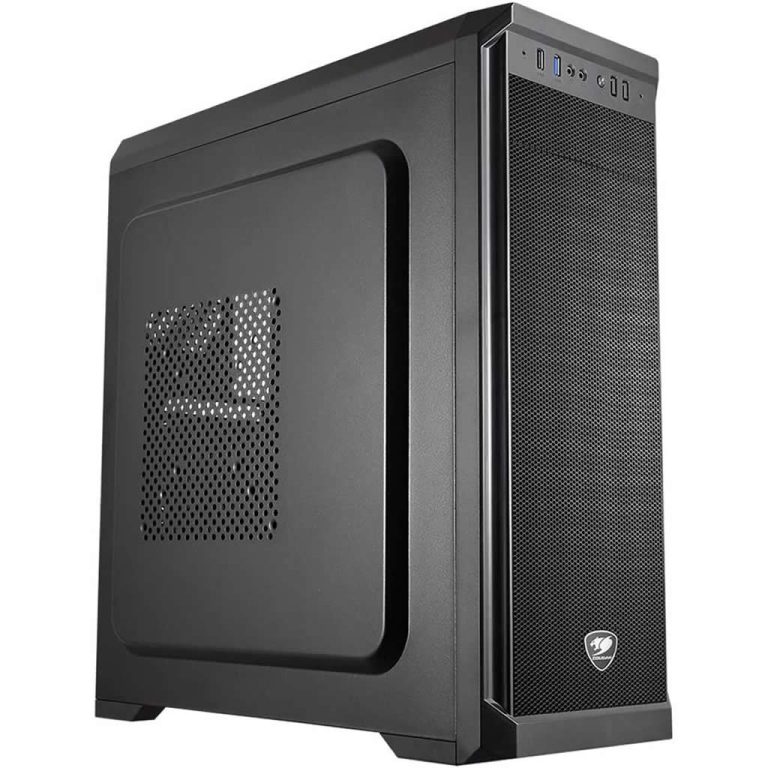
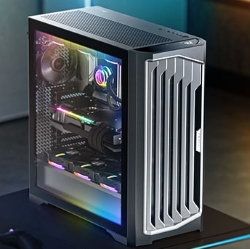
Here’s how that plays out in our range, from 16GB to 64GB. More options are in our gaming computers:
Memory questions
Is 16GB RAM enough for streaming?
For light streaming, yes. If you run OBS with several scenes, a browser and chat alongside a demanding game, 32GB is much more comfortable.
Is 16GB RAM enough for video editing?
For short 1080p projects, it works. For 4K footage or long timelines, 32GB or more avoids slowdowns.
Does more RAM increase FPS?
Only if you were running out. Going from 16GB to 32GB won’t raise frame rates in a game that only uses 10GB, but it will reduce stutter in games that use more.
Is 16GB RAM enough for Windows 11?
Yes, easily. Windows 11 itself uses around 3 to 4GB, leaving plenty for your apps.
Is 8GB RAM enough for a school laptop?
For browsing, documents and video calls, it works, but it fills up quickly with lots of tabs. 16GB makes a student laptop feel much quicker and last longer.
How much RAM do I need for Fortnite or Valorant?
Popular esports titles run happily on 16GB. They’re designed to run on a wide range of PCs, so memory is rarely the limit.
Can I add 16GB to my existing 16GB?
Often, yes, if you have free slots. Matching the same model and speed gives the best chance of it running smoothly.