Should you build a PC yourself, or have someone build it for you? We get asked this a lot, which is a little funny given that building computers is our job. But there’s no single right answer. Some people love the process and learn a huge amount from it. Others lose a weekend to a machine that won’t turn on and wish they’d never started.
Here’s an honest breakdown of both paths: what each one costs, how long it takes, what can go wrong and who you call when it does.
What do you need to build a PC?
A desktop computer is made of eight main parts, plus a few odds and ends. If you’re wondering what do you need to build a PC from scratch, this is the full list:
- Processor (CPU): the brain. It decides which motherboards you can use.
- Motherboard: connects everything. It must match the CPU socket and fit your case.
- Memory (RAM): 16GB at minimum for gaming, 32GB is more comfortable.
- Storage: a 1TB or larger NVMe SSD.
- Graphics card (GPU): does the heavy lifting in games.
- Power supply (PSU): from a known brand, with enough wattage and the right connectors for your graphics card.
- Case: with good airflow and room for your graphics card’s length.
- CPU cooler: some processors include one, many don’t.
On top of that you’ll need a Windows licence, a USB stick to install it from, a Phillips screwdriver and some cable ties. A free tool like PCPartPicker checks the basic compatibility of your parts list, which is a good first step. It won’t catch everything, such as cooler height or how tight a case is around the cables, but it stops the obvious mistakes.
Is it cheaper to build a PC yourself?
It used to be, by a fair margin. In 2026 the gap is smaller than most people expect. Memory and SSD prices have climbed sharply over the past year, and system builders buy parts in volume, so the savings from a DIY build are often modest once everything is added up.
When you price it out, remember the extras that don’t show up in a parts list: the Windows licence, the cooler if your CPU doesn’t include one, extra case fans, thermal paste, and shipping on each separate order. Those can add a few hundred dollars. On the other hand, if you’re reusing a case, power supply and drives from an old machine, building can still save real money. Prices also move week to week, so a parts list that looks cheap today may not be by the time the last box arrives.
How long a PC build takes
For a first-timer, plan on a full afternoon to put the hardware together, then another couple of hours to install Windows, update the BIOS and drivers, and turn on the memory’s rated speed in the BIOS. Experienced builders can do it in two hours, but your first one will take longer, and that’s fine.
The time that hurts is troubleshooting. If the PC doesn’t start, working out which part is at fault can take days, especially if you don’t have spare parts to swap in and test.
A tip from the bench: before the motherboard goes into the case, connect the CPU, cooler, one stick of memory and the power supply while the board sits on its box, then check that it reaches the BIOS screen. Builders call this a test boot, and it can save you from pulling the whole machine apart later to find one faulty part.
What can go wrong
Most builds go smoothly. When they don’t, it’s usually one of these:
- Bent socket pins. Modern Intel and AMD motherboards have delicate pins in the CPU socket. One slip with the processor and the board may need replacing.
- Loose power connectors. High-end graphics cards need their power cable pushed in fully. A half-seated connector can overheat.
- Memory in the wrong slots. Two sticks usually go in slots two and four for dual channel. Check the motherboard manual.
- Missing standoffs or cables. The small CPU power cable at the top of the board is the most commonly forgotten.
- A faulty part out of the box. Rare, but it happens, and you’ll need to work out which part it is before you can return it.
None of this should scare you off if you’re careful and patient. It’s simply the part of the process nobody puts in the YouTube thumbnail.
Warranty and support: who do you call?
This is the biggest practical difference. When you build a PC yourself, every part has its own warranty with its own maker or retailer. If something fails, you diagnose it, pull it out and send it back on your own, often while the rest of the machine sits idle.
With a computer that’s built for you, there’s one place to call. The builder tests the whole system, diagnoses faults and handles the parts. Your rights under Australian Consumer Law apply either way, but the day-to-day experience of getting something fixed is very different.
Why a gaming PC build is still worth it for some people
A DIY gaming PC build isn’t just about price. You choose every part, down to the fans and the brand of SSD. You understand exactly what’s inside, which makes upgrades and repairs less intimidating later. And for plenty of people the build itself is the fun part, like assembling a big, expensive Lego set.
If that sounds like you, go for it. Watch a full build video for your exact case before you start, keep the motherboard manual open and take your time. A first PC build is something people remember fondly.
Gaming PC build vs having one built
| Build it yourself | Have it built | |
|---|---|---|
| Cost | Can be a little lower, or higher once extras are added | Fixed price, Windows included |
| Time | Research, ordering, an afternoon of building, setup | Order and wait for delivery |
| Choice | Every part is up to you | Set configurations with upgrade options |
| Testing | You find problems after you build | Tested under load before it ships |
| Support | Each part is handled separately | One place for the whole system |
If you’d rather not build a PC yourself
That’s completely reasonable, and it’s what we’re here for. Every machine we put together is assembled in Melbourne, stress tested before it leaves and covered by a 3-year warranty. You can start from one of our prebuilt gaming PCs, browse the full range, or tell us what you need through our custom builds option. A few popular starting points:
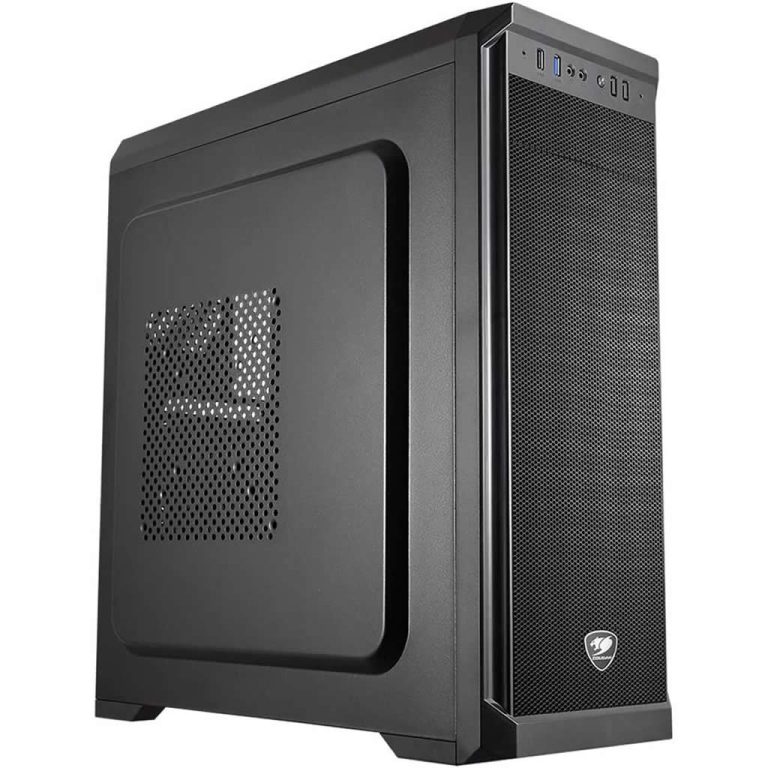
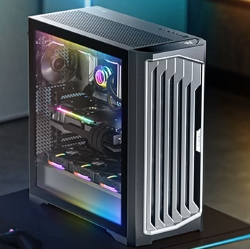
PC build questions people ask us
Is it hard to build a PC?
Physically, it’s easier than it looks. Most of the challenge is in choosing compatible parts and troubleshooting if something doesn’t work. If you can follow instructions carefully, you can build a PC.
How long does a first PC build take?
Plan on four to six hours including Windows and drivers. Your second one will take half that.
Do I need to buy Windows separately?
Yes, for a DIY build. You can install it without activating, but you’ll need a licence to use it properly.
Can I upgrade a computer someone else built?
If it uses standard parts, yes. Check before you buy, because some big-brand machines use custom motherboards and power supplies that limit upgrades.
What tools do I need for a gaming PC build?
A Phillips screwdriver, cable ties, good light and a clear table. An anti-static wrist strap is a cheap extra layer of safety.