A Black Friday gaming PC can be the best-value computer you buy for years, or a box of compromises with a big red sticker on it. The difference is rarely the discount. It’s what’s inside the case, and whether those parts suit the games you play.
We build gaming PCs for a living, so we see the same tricks every November: a famous graphics card paired with slow memory, a tiny SSD, or a power supply nobody has heard of. This guide walks through the nine checks we’d make before buying any discounted system, ours included.
Short version: judge the parts of any Black Friday gaming PC first and the percentage second. A smaller discount on a well-balanced build beats a huge discount on a lopsided one.
Why Black Friday PC deals need a closer look
Pre-built computers are easy to market. One or two headline parts go in big letters, usually the graphics card and processor, and the rest of the spec sits further down the page. That’s where savings get made.
It isn’t always deliberate. Some systems are built to hit a price point, and something has to give. The point is to know what’s been given up before you pay, so the Black Friday PC you bring home is the one you thought you were buying.
The 9 checks for any Black Friday gaming PC
1. The exact graphics card model
“RTX graphics” tells you almost nothing. An RTX 5050 and an RTX 5090 share a family name and very little else. Look for the full model number and how much video memory it has. For 1080p, an RTX 5050 or 5060 is plenty for most games. For 1440p, aim for an RTX 5070 or better. For 4K at high settings, look at the RTX 5080 and RTX 5090.
2. A processor that keeps up
A strong graphics card held back by an old or low-end processor wastes money. For gaming, a current six-core or better chip is the floor, and AMD’s X3D processors, like the Ryzen 7 9850X3D, are especially quick in games thanks to their extra cache.
3. Enough memory, in two sticks
16GB is the practical minimum in 2026, and 32GB is more comfortable if you stream or keep a lot open. Check that it’s two sticks rather than one. Dual channel memory is noticeably faster, and a single stick is one of the most common ways budget systems cut costs.
4. Storage that fits your games
Modern games often take 100GB or more each. A 500GB drive fills up fast once Windows and a few titles are installed. Look for at least 1TB on a fast NVMe SSD.
5. A power supply from a known brand
This is the part most likely to be skimped on, because few buyers check it. A quality power supply protects every other component and runs quieter and cooler. Look for a recognised brand and an efficiency rating such as 80 Plus Bronze or better, with enough capacity for the graphics card.
6. Cooling and airflow
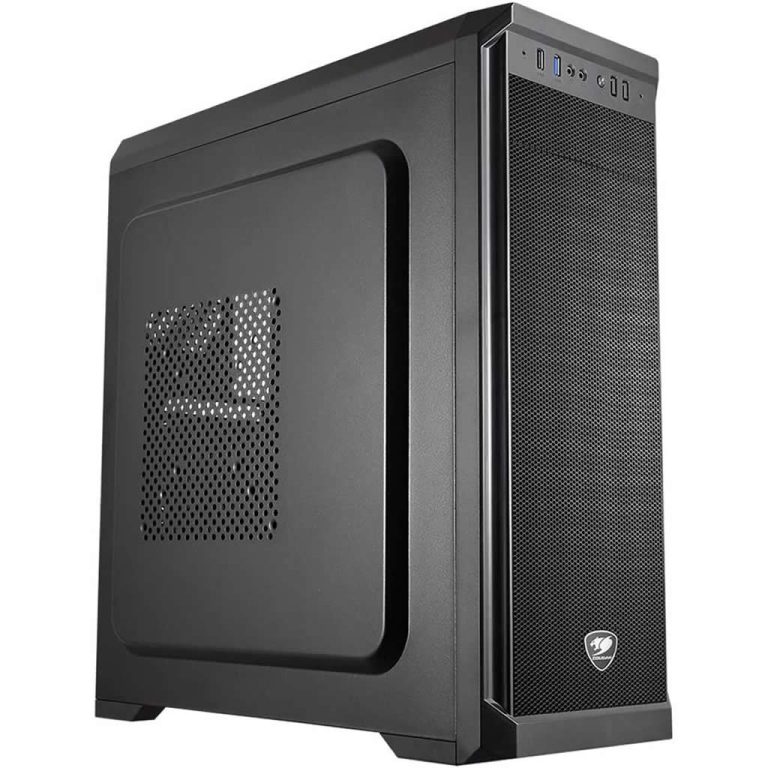
A case with a solid front panel and one fan will run hot and loud under load. Mesh fronts, a few intake fans and a decent CPU cooler keep the whole system cooler, which helps performance and lifespan.
7. Room to upgrade
Standard-size parts mean you can add memory, more storage or a bigger graphics card later. Some brand-name systems use proprietary motherboards or power supplies that make upgrades awkward.
8. Windows, set up properly
Check that a full Windows licence is included and that the system arrives with current drivers. A clean install without trial software saves an hour of tidying up on day one.
9. Warranty, support and who you deal with
Ask who handles a fault and where. Your rights under Australian Consumer Law apply to sale items too, and the ACCC’s page on repair, replace, refund or cancel explains what you’re entitled to if something goes wrong. A business that builds and supports its PCs locally makes that process much simpler.
Red flags in Black Friday computer deals
Some warning signs are worth walking away from, however good the price looks:
- No full spec list. If you can’t see the memory speed, storage model or power supply, assume the worst.
- Graphics card listed without a number. “Gaming graphics” or “RTX ready” on a cheap system usually means an entry-level card.
- Older generations at new prices. A discount on last year’s parts isn’t a saving if the regular price of the newer model is similar.
- A “was” price you’ve never seen. If the item never sold at the higher price, the discount isn’t real. Screenshot prices before the sales start so you can compare.
- Vague delivery dates. “Ships in 2 to 6 weeks” can mean after Christmas.
Most bad Black Friday PC buys come down to one of those five. The same caution applies to Black Friday computer deals of any kind, from laptops to office machines. Specs first, discount second.
How to compare Black Friday gaming PC deals
When you’ve got two or three systems in mind, line them up on the same five things: graphics card model, processor, memory (size and stick count), storage size and type, and power supply. Then look at the price.
It sounds obvious, but it changes the picture quickly. A machine that’s $200 cheaper often turns out to have half the storage and a single stick of memory, which costs more than $200 to fix later. The Black Friday gaming PC deals worth having are usually the ones that look a bit boring on paper because nothing has been cut.
When to buy your Black Friday gaming PC
Timing matters almost as much as the spec. Popular builds and graphics cards can sell through on the first day, and once stock is gone, the replacement often arrives at full price after the sale ends. If you’ve done your homework and a system you like hits a fair price during the early access days, there’s little to gain by waiting for Friday.
Built-to-order systems also need a few days to assemble and test, then delivery time on top. Ordering during the main Black Friday weekend still leaves comfortable room before Christmas for most of Australia, but the later you leave it, the tighter it gets. The best Black Friday PC deals are the ones you can actually receive and set up in time.
Our Black Friday PC prices
This year our Black Friday Early Access takes 25% off the full price of every PC until 11:59pm on Monday 30 November (Melbourne time). The discount comes off the regular price, never stacked on another sale price, so it’s easy to see what you’re saving. Every build lists its full spec, uses standard parts, is tested under load before it ships, and comes with a 3-year warranty.
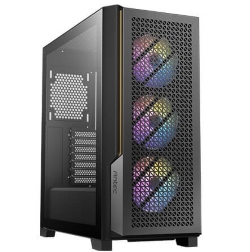
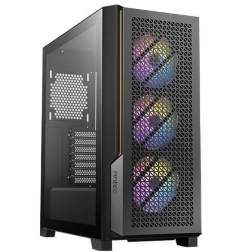
Not sure which suits you? Browse our prebuilt gaming PCs by budget, or ask us and we’ll point you to the right one. A few popular starting points:
Black Friday gaming PC: quick answers
Is it better to build or buy a gaming PC on Black Friday?
Parts are discounted too, so building can save money if you enjoy it and already know what you want. Buying a complete system saves time and gives you one place to go for support.
How much should I spend on a Black Friday gaming PC?
Spend based on your screen. In our range, roughly $1,800 to $3,000 at regular prices covers solid 1080p gaming, while 1440p and 4K systems climb from there.
Are Black Friday PC deals better than Boxing Day?
For new systems and current graphics cards, Black Friday is usually as good or better. Boxing Day tends to focus on clearing older stock.